Garbled Texts or Ghost Messages — What It Means & What You Can Do
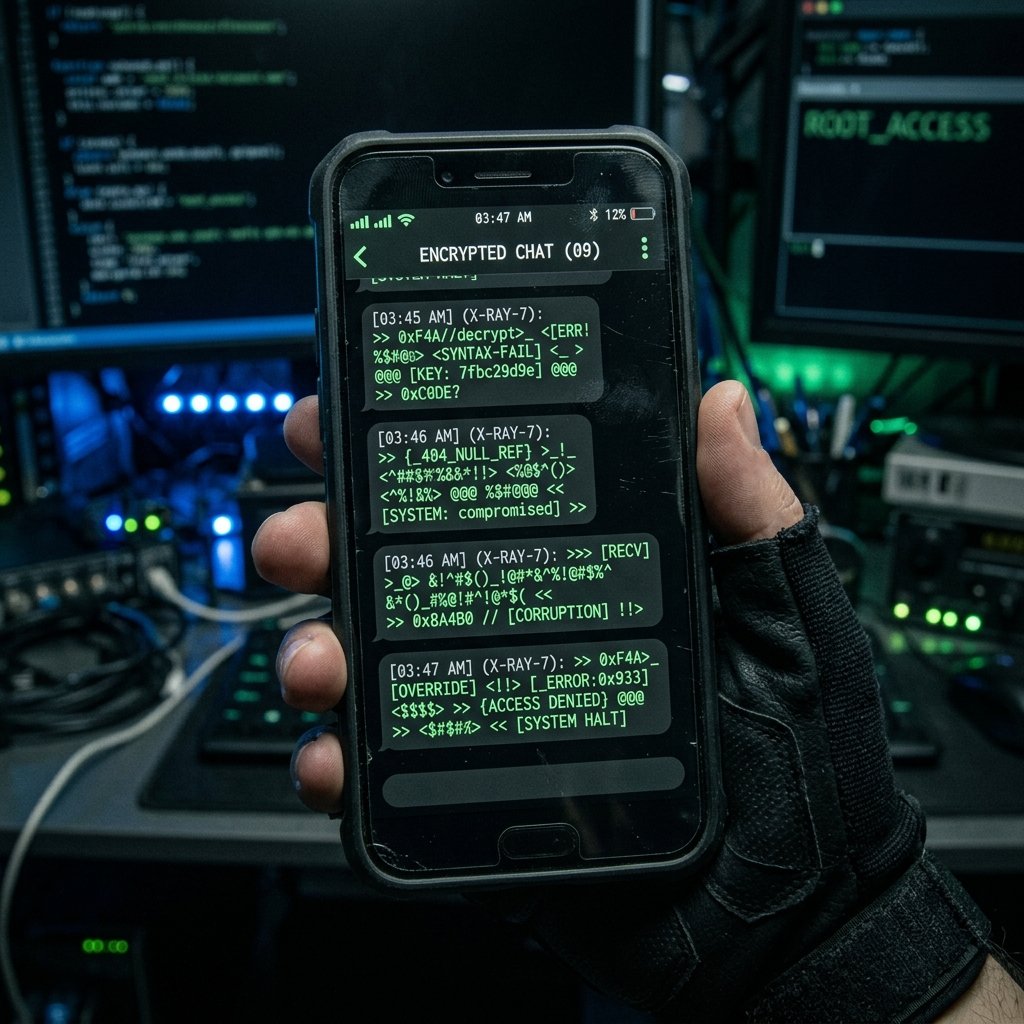
A friend calls to ask why you just sent them a link to a questionable weight-loss website. You check your messaging app, but there's no record of it. Then, you open an old conversation and find a string of sent messages filled with garbled letters, numbers, and symbols that look like computer code.
What "Garbled Texts or Ghost Messages" Actually Means
To diagnose unauthorized messaging, we must determine if the messages are originating from the device itself or from the broader cellular network.
If your contacts are receiving spam from your number, but there is no record of the sent messages on your device, you are likely the victim of 'Caller ID Spoofing'. The SMS protocol is inherently insecure. An attacker using an online SMS gateway can simply type your phone number into the 'Sender' field. The cellular network delivers the message to the recipient, and the recipient's phone trusts the spoofed header, displaying the message under your contact name. Your physical phone was never involved.
However, if you physically see sent messages in your outbox that you didn't write, your device is compromised. On Android, this is often caused by 'Premium SMS Trojans'. These malicious apps grant themselves permission to send texts and quietly subscribe you to expensive premium-rate numbers, hiding the sent messages or deleting the replies.
The presence of garbled, code-like texts (e.g., 'CMD:LOC#19485') is the hallmark of stalkerware. Sophisticated spyware uses hidden SMS messages as a command-and-control (C2) channel. If the attacker wants the phone's current GPS location, they send a coded SMS. The spyware intercepts it, hides it, and replies with another coded SMS containing the coordinates. If the spyware glitches, or if it is uninstalled improperly, these hidden command texts become visible in your standard messaging app.
- Network Spoofing: Attackers forging SMS headers at the gateway level (device is safe).
- Premium SMS Trojans: Malware sending authorized texts to expensive toll numbers.
- SMS Command-and-Control: Spyware using coded texts to receive commands and exfiltrate data.
- Application Hijacking: Malware utilizing Accessibility Services to literally type and send messages on screen.
Common Causes Behind This Symptom
Identifying the cause requires analyzing the content, visibility, and recipients of the ghost messages.
If the messages contain links to crypto scams, adult sites, or retail discounts, and they are sent to people in your address book, it strongly suggests a malicious app (like a fake game or utility) has harvested your contacts and is using your device to propagate itself (a worm).
If the messages consist of unreadable code and are sent to unrecognized international numbers, it is almost certainly stalkerware attempting to communicate with its master server via the SMS fallback channel (usually because the device lost Wi-Fi/cellular data access).
In some rare cases, a hijacked iCloud or Google account can lead to ghost messages. If an attacker gains access to your Apple ID, they can log into a Mac or iPad and send iMessages that appear to come from you, which will sync across to your iPhone outbox.
- SMS Spoofing by external spammers (No device compromise).
- Stalkerware C2 channels glitching and revealing coded communications.
- Worm-like malware propagating via the victim's contact list.
- Compromised cloud accounts (Apple ID/Google) sending synced messages.

How We Investigate This
Our forensic investigation focuses on isolating the origin of the message generation.
We begin by asking a critical question: Do the messages appear in the device's local outbox? If no, we inform the client about network spoofing and advise them to notify their contacts. If yes, we proceed with a deep device extraction.
We extract the raw SMS/MMS database (such as the sms.db on iOS or mmssms.db on Android). We analyze the timestamps and the specific application that originated the intent to send the message. Malware often leaves a distinct signature in the database, even if it later attempts to delete the message from the user interface.
We also audit the device's application permissions, specifically looking for any unrecognized apps that hold the 'Send SMS' or 'Read SMS' privileges. On Android, we analyze the notification listener services to see if malware is intercepting incoming replies before the user can see them.
Prevention & Hardening
Protecting your SMS capabilities requires strict permission management. On Android, never grant 'SMS' permissions to an app that doesn't explicitly need it for its core function (e.g., a flashlight app should never be able to send texts).
Secure your cloud accounts. Enable strong, app-based Two-Factor Authentication on your Apple ID and Google accounts to prevent attackers from sending synced messages from remote devices.
If you discover garbled code messages in your outbox, do not reply to them. Document the number they were sent to, place your phone in airplane mode to prevent further communication, and seek professional forensic analysis, as this is a definitive indicator of an active spyware infection.
Frequently Asked Questions
Related Recovery Services
$ Open a secure channel. PGP preferred. Pre-engagement NDA available on request. Ready to proceed?
[ INITIATE SECURE CONTACT ]