
iPhone 14 Pro: Spyware Detection & Forensic Analysis
The iPhone 14 Pro, powered by the A16 Bionic chip, remains one of the most secure consumer devices globally. Its architecture successfully mitigates the vast majority of consumer-grade malware.
iPhone 14 Pro: What Makes It a Target
The iPhone 14 Pro, powered by the A16 Bionic chip, remains one of the most secure consumer devices globally. Its architecture successfully mitigates the vast majority of consumer-grade malware.
However, security is not a static state. As devices age and operating systems evolve, the forensic landscape shifts. The iPhone 14 Pro sits in a critical window where certain iOS versions have known vulnerabilities, making it a lucrative target for both digital forensics and sophisticated threat actors.
When an iPhone 14 Pro is suspected of compromise, the investigation requires a meticulous balance of checking for legacy stalkerware vectors and advanced zero-click infections.
iPhone 14 Pro Security Architecture
The iPhone 14 Pro's security relies heavily on Apple's 'walled garden' approach and strict application sandboxing.
Every application runs within its own restricted environment. App A cannot read the data of App B without explicit user permission mediated by the operating system. This makes traditional 'keyloggers' practically impossible to install via the App Store.
The device utilizes Face ID, which is processed entirely within the Secure Enclave. The mathematical representation of the user's face never leaves the hardware subsystem, and it cannot be extracted forensically.
Furthermore, the iPhone 14 Pro utilizes a highly secure boot chain. When the device powers on, every component of the operating system is cryptographically verified by the immutable Boot ROM. If the OS has been tampered with, the device will refuse to boot, preventing persistent rootkits.
- App Sandboxing: Strict isolation prevents applications from interacting with each other.
- Secure Boot Chain: Cryptographic verification of the OS prevents persistent malware installation.
- A16 Bionic Enclave: Hardware-isolated processing of biometrics and cryptographic keys.
- Data Protection Classes: File encryption is tied directly to the lock screen state (BFU vs AFU).
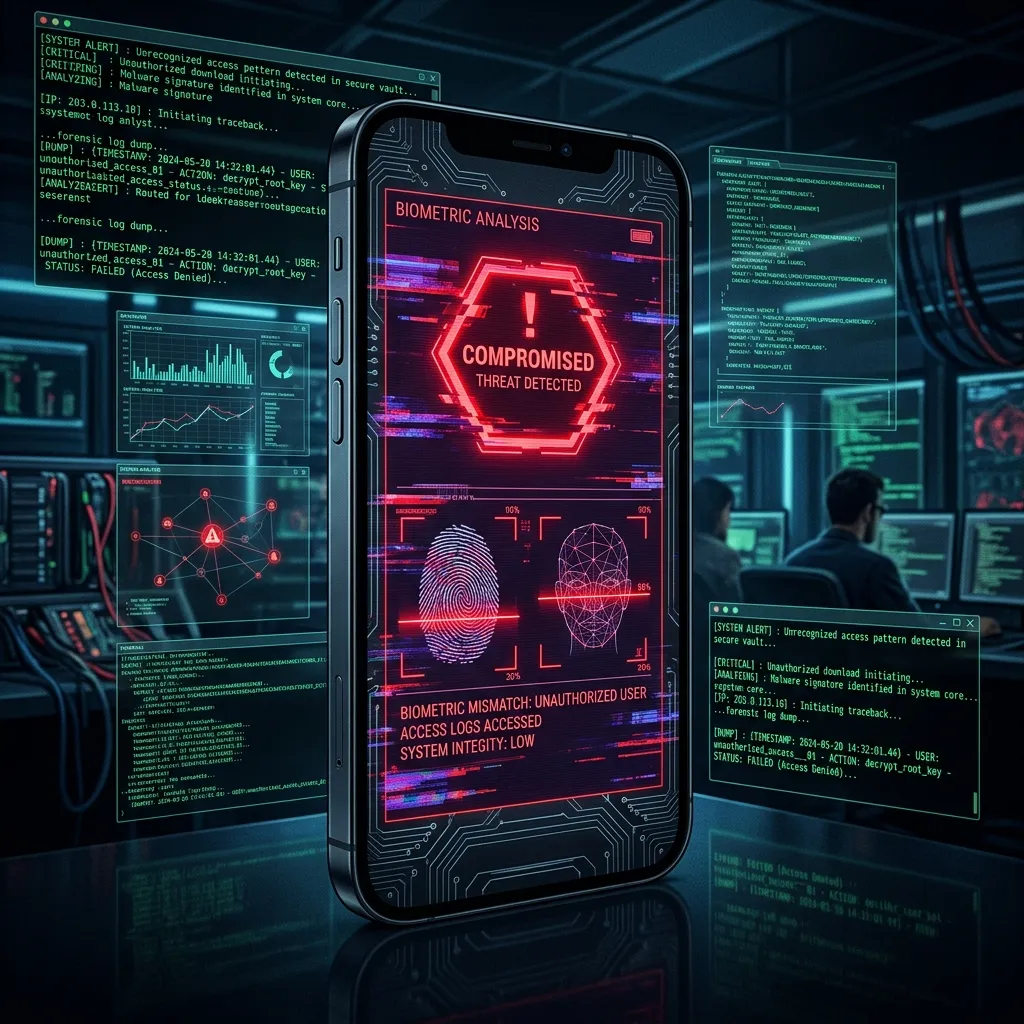
Forensic Analysis Capabilities for iPhone 14 Pro
The forensic acquisition of an iPhone 14 Pro is heavily dictated by the specific version of iOS installed.
Checkm8 Immunity: Like all devices released after the iPhone X, the iPhone 14 Pro is completely immune to the `checkm8` bootrom exploit. Therefore, 'jailbreaking' the device for a permanent forensic acquisition requires discovering a new vulnerability in the software kernel.
Advanced Logical Extraction: This is the standard procedure. If we possess the passcode, we can extract the user partition, pulling the active SQLite databases for iMessage, WhatsApp, browser history, and application usage logs. This provides excellent insight into the active state of the device.
Targeted File System Extraction (TFFS): On certain older iOS versions (e.g., iOS 16.0 - 16.5), kernel exploits (like KFD or MacDirtyCow) exist. These allow forensic examiners to selectively bypass the sandbox and pull specific, highly protected system files without needing a full jailbreak, aiding significantly in spyware detection.
Common Threats Targeting This Device
Threats against the iPhone 14 Pro generally fall into two categories: high-end mercenary spyware and authorization abuse.
Mercenary Spyware: Threat actors frequently deploy 'one-click' exploits via SMS or WhatsApp, tricking the user into clicking a link that silently exploits a WebKit vulnerability in the Safari browser, granting the attacker a foothold on the device.
Authorization Abuse (Stalkerware): Because true malware is difficult to install, domestic abusers often resort to physical access. They take the unlocked phone for a few minutes and install a seemingly benign 'parental control' app, or they maliciously share the device's location indefinitely via 'Find My' or Google Maps.
Calendar/Mail Spam: A very common, yet benign, 'hack' is malicious calendar subscriptions that flood the device with fake 'Virus Detected' notifications, attempting to trick the user into downloading a useless, paid VPN.
Our Assessment Approach
Our investigation of the iPhone 14 Pro prioritizes a rapid triage of the system logs.
We extract the `DataUsage.sqlite` database to analyze cellular data consumption by hidden or deleted applications, a classic indicator of stalkerware exfiltrating data.
We utilize specialized tools (like MVT - Mobile Verification Toolkit) to parse the iTunes backup and `sysdiagnose` logs, cross-referencing known Indicators of Compromise (IOCs) from Amnesty International and Citizen Lab to definitively rule out advanced mercenary spyware.
Frequently Asked Questions
Related Recovery Services
$ Open a secure channel via Session. Pre-engagement NDA available on request. Ready to proceed?
[ INITIATE SECURE CONTACT ]