Camera Activating On Its Own: What It Means & What You Can Do
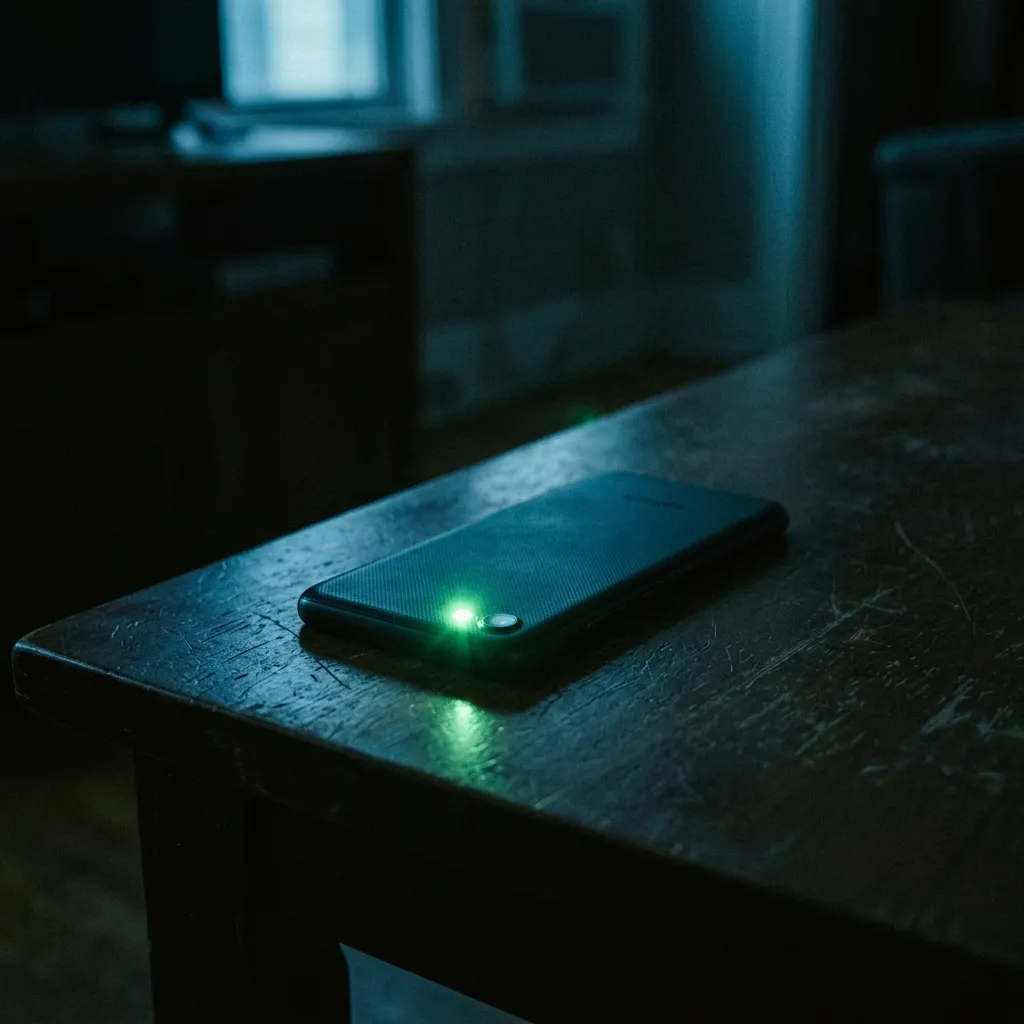
You are sitting in your living room, your phone resting on the table, and suddenly you notice it: the tiny green or orange indicator light staring back at you. You haven't opened Instagram, you aren't on a FaceTime call, and your camera app is closed. But something is watching.
What "Camera Activating On Its Own" Actually Means
The technical mechanisms behind unauthorized camera access involve the exploitation of application permissions, background execution limitations, and sometimes zero-day vulnerabilities in the operating system's media framework.
In a standard, secure environment, an app must be in the foreground to access the camera hardware. However, sophisticated surveillance tools utilize advanced techniques to subvert these rules. One common method involves exploiting the 'Picture-in-Picture' (PiP) or background service APIs. By creating an invisible, 1-pixel overlay or a silent background service, the malware tricks the operating system into believing the user is actively engaging with the application, thereby granting it continuous camera access.
More advanced, military-grade spyware (such as Pegasus) leverages zero-click exploits to gain root or kernel-level access to the device. Once this level of privilege is achieved, the malware can interact directly with the camera hardware drivers, completely bypassing the operating system's permission model and, in some rare older cases, even suppressing the UI indicator lights.
The captured media is rarely streamed live, as this consumes massive bandwidth and is easily detected. Instead, the malware typically captures bursts of photographs or short video segments, encrypts them locally, and waits for a secure, unmetered connection (like Wi-Fi) to quietly exfiltrate the payload to the attacker's command-and-control server.
- Abuse of background services and invisible overlays to maintain active camera states.
- Exploitation of media framework vulnerabilities to bypass foreground requirements.
- Root/Kernel level compromise allowing direct hardware interaction.
- Local encryption and delayed exfiltration to avoid network detection.
Common Causes Behind This Symptom
While the presence of the camera indicator is alarming, an investigation must differentiate between malicious surveillance, aggressive data harvesting by legitimate apps, and simple software glitches.
Stalkerware is a frequent culprit in domestic surveillance scenarios. These apps, marketed as 'parental control' or 'employee monitoring' software, often include features that allow the purchaser to remotely trigger the device's front or rear camera, capturing snapshots of the user's surroundings without any on-screen notification.
Remote Access Trojans (RATs) distributed through phishing links or malicious third-party app stores also frequently include camera modules. These tools give a remote attacker a live dashboard to control the device, including silently activating the camera to gather intelligence or material for extortion.
In some instances, the cause is an aggressively over-permissioned, seemingly benign app, like a flashlight app, a custom keyboard, or a sketchy game, that secretly captures images to harvest demographic data for illicit advertising profiles.
- Commercial stalkerware designed for intimate partner surveillance.
- Remote Access Trojans (RATs) enabling direct attacker control.
- Over-permissioned grey-market applications harvesting visual data.
- Zero-click espionage tools utilized in highly targeted attacks.

How We Investigate This
Investigating unauthorized camera access requires a delicate extraction of the device's unified logs and permission history to identify exactly which process requested access to the media hardware.
We begin by isolating the device from all networks to prevent further exfiltration or remote wiping of evidence by the attacker. We then extract the system logs (such as the KnowledgeC database on iOS or the AppOps logs on Android), which maintain a historical record of every application that has requested and been granted camera access, down to the millisecond.
Once we identify the offending process, we analyze its binary structure. We look for the specific code modules responsible for calling the camera APIs, capturing the image buffer, and saving the files. This allows us to confirm malicious intent versus a poorly coded legitimate app.
Finally, we search the file system for the hidden staging directories where the malware temporarily stores the captured images before exfiltration. Recovering these artifacts provides concrete evidence of what the attacker was able to see and when.
Prevention & Hardening
Strict permission management is essential. Regularly review your device settings and revoke camera access for any application that does not strictly require it to function. A calculator or a flashlight app has no legitimate need to access your camera.
Be extremely cautious of applications that request device administrator privileges or accessibility services, as these powerful permissions are frequently abused by spyware to control the camera silently.
If you observe the camera indicator activating without your interaction, immediately cover the camera lenses, place the device in airplane mode to prevent data transmission, and contact a professional forensic analyst. Do not reboot the phone, as this can clear volatile memory containing critical evidence.
Frequently Asked Questions
Related Recovery Services
$ Open a secure channel via Session. Pre-engagement NDA available on request. Ready to proceed?
[ INITIATE SECURE CONTACT ]