Strange Background Noises on Calls — What It Means & What You Can Do
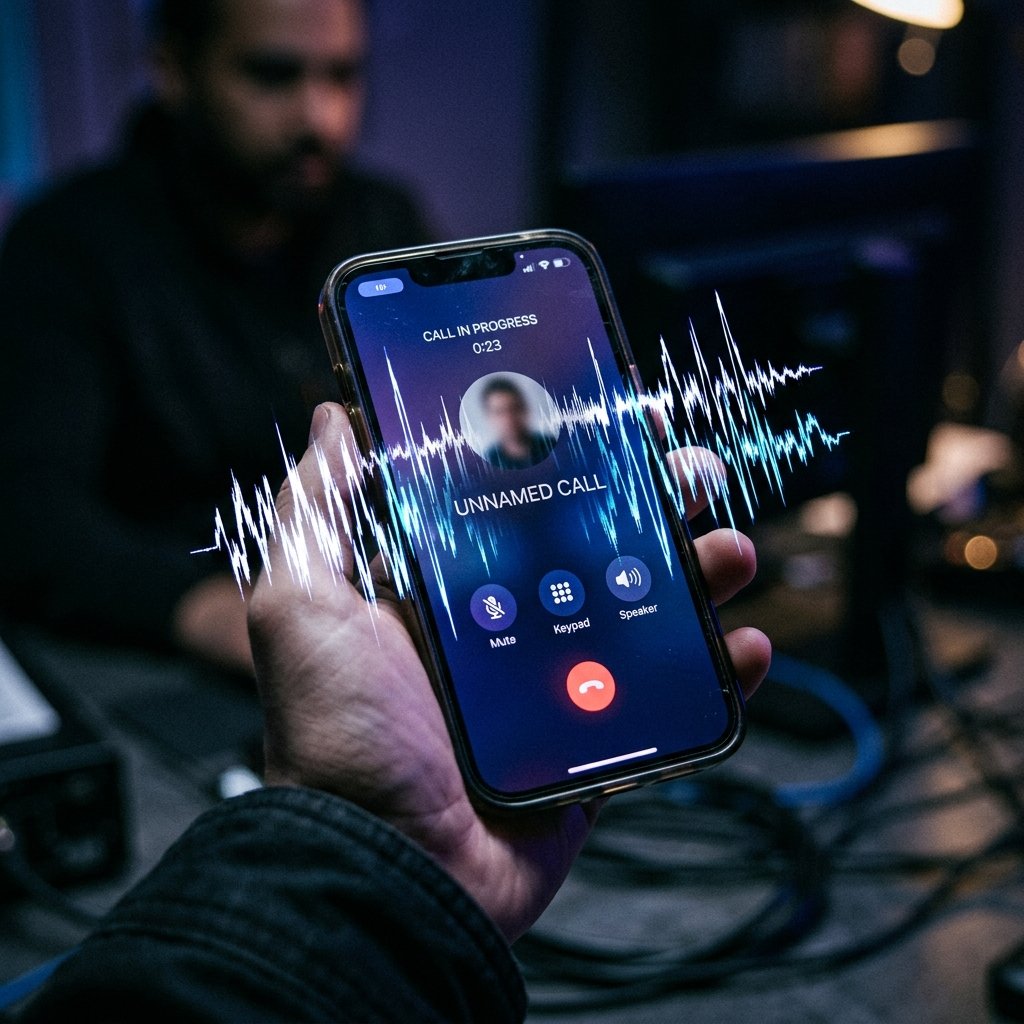
You're on a private phone call, and you hear it: a faint click, a burst of static, an echo of your own voice, or perhaps a distant, unexplained sound in the background. You ask the other person if they heard it, but they heard nothing.
What "Strange Background Noises on Calls" Actually Means
To understand acoustic anomalies, we must separate analog legacy wiretapping from modern digital interception.
In the days of analog landlines, 'tapping' involved physically attaching a second circuit to the line. The change in electrical impedance caused audible clicks or volume drops. Modern cellular networks (4G LTE, 5G) transmit voice as encrypted digital data packets (VoLTE). You cannot hear a digital packet being copied at the carrier level. Law enforcement wiretaps (CALEA) are entirely silent and undetectable by the user.
However, if the interception is occurring locally on the device itself via spyware, acoustic artifacts can occur. When malware attempts to hijack the microphone to record a call, it must interact with the device's audio routing subsystem. If the spyware is poorly coded, this software-level hijacking can cause audio conflicts, resulting in dropped frames, digitized static, or noticeable echoing as the audio stream is duplicated.
Furthermore, if the malware is utilizing a 'conference call' attack (where the spyware silently initiates a 3-way call to an attacker's number), the audio artifacts you hear might actually be background noise originating from the attacker's environment.
- Digital vs. Analog: Modern carrier-level interception is silent; acoustic anomalies point to local device compromise.
- Audio Subsystem Conflicts: Poorly coded spyware clashing with the legitimate phone app for microphone access.
- Silent Conference Calls: Attackers silently bridging themselves into your active call.
- Network Degradation: Malware consuming massive bandwidth in the background, degrading VoLTE call quality.
Common Causes Behind This Symptom
Before assuming a targeted wiretap, an investigation must rule out the far more common benign causes of acoustic interference.
The vast majority of clicking, static, and echoing is caused by cellular network degradation, poor handoffs between cell towers, or aggressive noise-cancellation algorithms struggling to interpret ambient sound. Hardware issues, such as a damaged microphone or debris in the speaker grill, are also frequent culprits.
When the cause is malicious, the most common scenario is the presence of consumer-grade stalkerware. These applications often feature a 'call recording' module. To bypass OS restrictions on recording the other party, the spyware will forcibly route the audio through the device's speakerphone internally at a low volume, capturing the result. This routing manipulation often produces noticeable static or echoing.
In more severe cases involving targeted espionage, an attacker may have compromised the device's baseband processor (the chip that handles cellular communication). This allows them to intercept audio before it even reaches the main operating system, potentially causing distinct digital artifacts during the bridge.
- Benign: Network degradation, poor tower handoffs, or noise-cancellation glitches.
- Benign: Hardware damage to the microphone or speaker assembly.
- Malicious: Stalkerware manipulating audio routing to record phone calls.
- Malicious: 'Silent conference' attacks bridging an unauthorized listener.

How We Investigate This
Investigating suspected audio interception requires isolating the device from environmental factors and analyzing its internal audio routing logs.
We begin by attempting to replicate the issue in a controlled environment. Does the noise occur only in specific physical locations? Does it happen on cellular calls but not on VoIP calls (like WhatsApp or Signal)? This helps determine if the issue is network-related or device-specific.
If we suspect a device compromise, we extract the system logs and focus on the audio daemon (e.g., mediaserver on Android or coreaudiod on iOS). We look for concurrent microphone requests. If the logs show that a background application requested access to the audio buffer at the exact moment a legitimate phone call was initiated, it is a definitive indicator of malicious call recording.
We also analyze the device's call logs at the database level. We look for hidden, brief outgoing calls that do not appear in the user-facing call history, which may indicate a silent conference call attack.
Prevention & Hardening
To protect your communications from local interception, utilize end-to-end encrypted VoIP applications like Signal for sensitive conversations. While spyware that captures the screen or microphone can still compromise these calls, encrypted apps bypass traditional cellular interception techniques.
Regularly review your application permissions. Ensure that no unrecognized or untrusted applications have access to your microphone or your phone/call log permissions.
If you consistently hear strange noises and suspect compromise, try using a wired headset. If the noise persists, it is less likely to be a hardware speaker issue and more likely a software routing problem or active interference.
Frequently Asked Questions
Related Recovery Services
$ Open a secure channel. PGP preferred. Pre-engagement NDA available on request. Ready to proceed?
[ INITIATE SECURE CONTACT ]