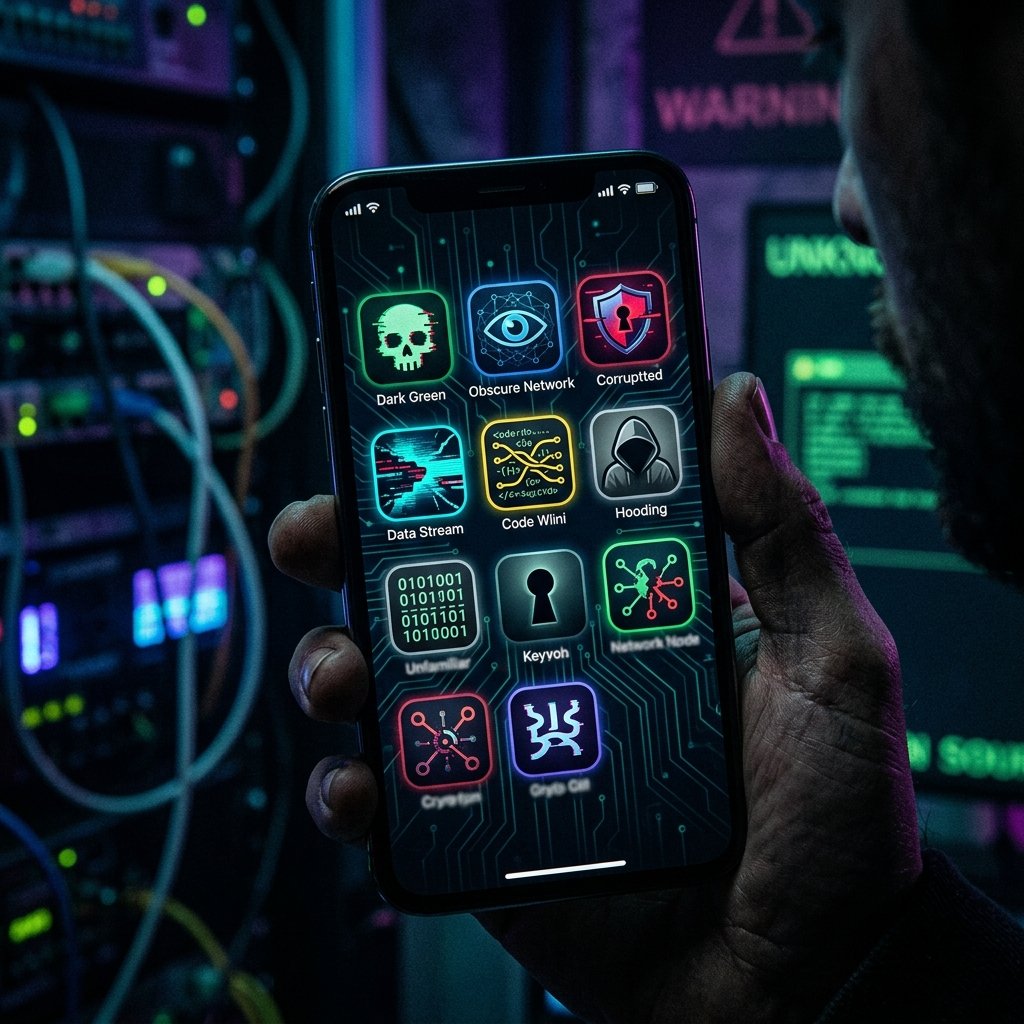
Random Apps Appearing — What It Means & What You Can Do
You unlock your phone and notice an icon that wasn't there yesterday. It might have a generic name like 'System Update', 'Sync Service', or it might just be a blank square. You didn't download it. You don't recognize it. But there it is, sitting on your device.
What "Random Apps Appearing" Actually Means
The technical mechanisms behind the unauthorized installation of applications vary significantly between iOS and Android, but both involve the subversion of the device's application package manager.
On Android, the appearance of random apps is frequently tied to 'dropper' or 'loader' malware. The user may have inadvertently installed a seemingly benign application (like a flashlight or a game) from outside the official Google Play Store. Once installed, this initial app quietly requests permission to 'Install Unknown Apps'. Once granted, it reaches out to a command-and-control server and silently downloads and installs secondary, heavily obfuscated payloads—the actual spyware or banking trojans.
On iOS, the ecosystem is much more restrictive. The appearance of unknown apps on an iPhone usually indicates one of three severe compromises. First, the Apple ID has been compromised, and the attacker is pushing apps to the device via iCloud. Second, the device has been enrolled in a rogue Mobile Device Management (MDM) profile, allowing an attacker to push enterprise applications silently over the air. Third, the device has been covertly jailbroken, allowing the installation of unsigned code from alternative repositories like Cydia or Sileo.
Regardless of the platform, these injected applications are rarely what they seem. They often use generic package names (e.g., com.android.sys.sync) and benign-looking icons to avoid arousing suspicion while they establish deep persistence on the device.
- Android 'Dropper' Malware: Initial benign apps that silently download malicious payloads.
- Rogue MDM Profiles (iOS): Enterprise management tools abused to push unauthorized software.
- Compromised Cloud Accounts: Attackers pushing app installations via synced accounts.
- Covert Jailbreaking/Rooting: Bypassing OS restrictions to install unsigned code.
Common Causes Behind This Symptom
Identifying the cause of unauthorized application installations requires determining how the security perimeter was breached. Was it a remote exploit, a phishing attack, or a physical compromise?
In cases of intimate partner surveillance, the appearance of a new app (often deeply hidden in folders or the App Library) is usually the result of physical access. The perpetrator briefly obtains the unlocked device, navigates to a stalkerware vendor's website, and manually downloads and authenticates the surveillance tool.
Another common cause is the installation of 'fleeceware' or aggressive adware via deceptive advertisements. Users may accidentally tap a malicious ad that triggers a background download, resulting in apps that bombard the device with full-screen advertisements or silently subscribe the user to premium SMS services.
For high-risk individuals, the sudden appearance of unknown profiles or enterprise apps may indicate a targeted attack utilizing a rogue MDM server, essentially granting the attacker full administrative control over the device's policies and software inventory.
- Physical access compromise resulting in manual stalkerware installation.
- Deceptive adware and 'fleeceware' triggering background downloads.
- Rogue Mobile Device Management (MDM) provisioning profiles.
- Compromised Google or Apple IDs enabling remote app synchronization.

How We Investigate This
Our forensic investigation focuses on isolating the rogue application, determining its origin, and analyzing its capabilities before it can self-destruct or hide its tracks.
We begin by extracting the device's application installation logs (such as the package manager logs on Android or the installation history on iOS). This data reveals the exact timestamp the app was installed, the source of the installation (e.g., Play Store, side-loaded via browser, pushed via MDM), and the permissions it requested.
Next, we perform static and dynamic analysis on the suspicious application's binary package (APK on Android, IPA on iOS). We decompile the code to identify its command-and-control servers, examine its manifest file to see what device resources it is targeting, and run it in a secure, sandboxed environment to observe its behavior.
Finally, we audit the device's core security configurations. We check for unauthorized administrator privileges, rogue VPN or DNS profiles, and active MDM enrollments to ensure the mechanism the attacker used to deliver the payload is identified and neutralized.
Prevention & Hardening
Never grant the 'Install Unknown Apps' permission on Android unless you are absolutely certain of the source and necessity. This single permission is the gateway for the vast majority of mobile malware infections.
Regularly audit your device's profiles and device administrators. On iOS, check Settings > General > VPN & Device Management for any unrecognized enterprise profiles. On Android, check Settings > Security > Device Admin Apps.
If you discover an unfamiliar application, do not open it. Opening the app may execute the final stage of the malware's payload. Instead, document its name and icon, place the phone in airplane mode, and seek professional forensic assistance to determine its purpose and safely remove it.
Frequently Asked Questions
Related Recovery Services
$ Open a secure channel. PGP preferred. Pre-engagement NDA available on request. Ready to proceed?
[ INITIATE SECURE CONTACT ]