Screen Turning On By Itself — What It Means & What You Can Do
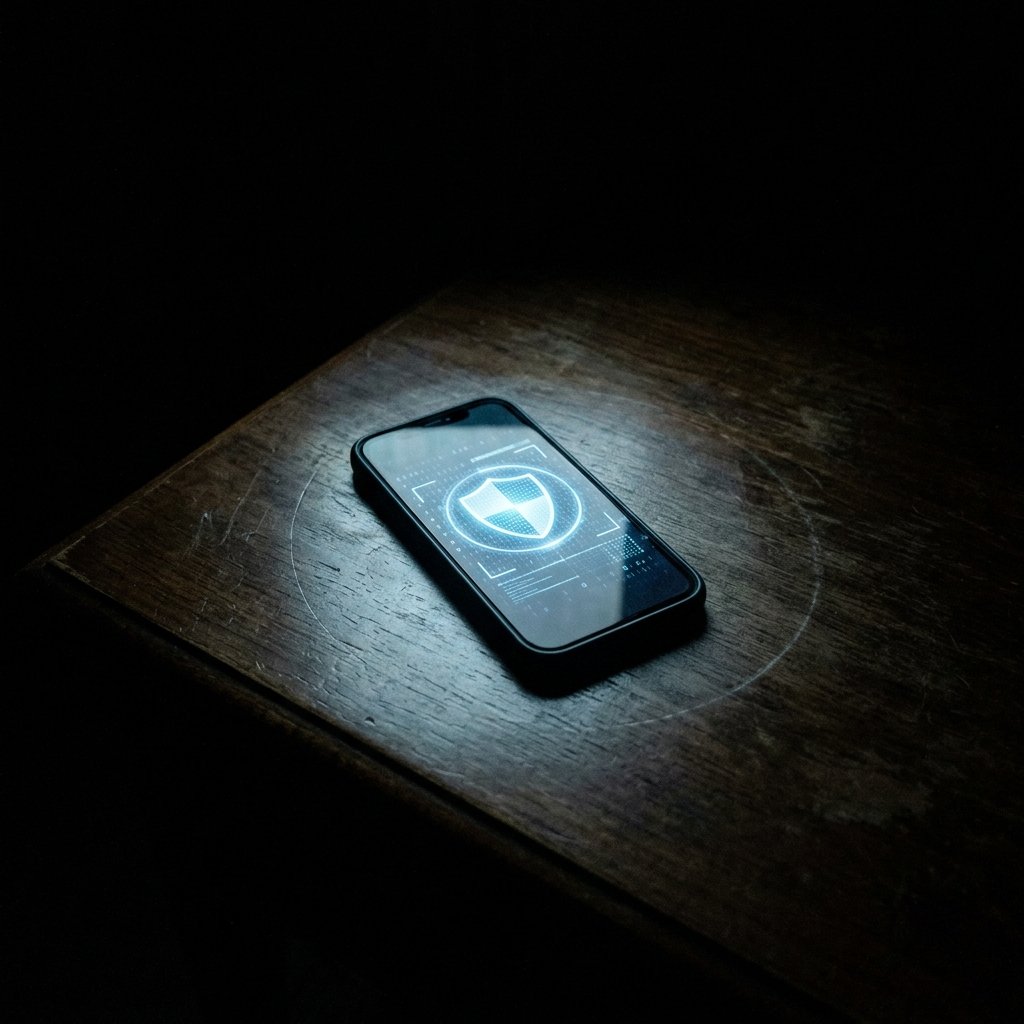
Your phone is sitting on the nightstand. The room is dark. Suddenly, the screen illuminates, casting a pale glow across the room. You check it—no texts, no emails, no missed calls. Five minutes later, it happens again.
What "Screen Turning On By Itself" Actually Means
To understand why a screen wakes up without a notification, we have to look at the 'WakeLock' architecture and display management services.
Both iOS and Android use complex power management systems. When an app receives data in the background, it can request a brief 'WakeLock' to process that data. Usually, this happens silently while the screen remains off. However, if an app wants to physically alert the user, it must send an intent to the display manager to turn the screen on.
Spyware generally wants to remain hidden and avoids turning the screen on. However, poorly written commercial stalkerware often suffers from severe coding errors. When the malware attempts to capture a screenshot, record the ambient microphone, or sync a massive payload, it may inadvertently trigger the display APIs, causing the screen to flash or wake up.
Furthermore, if an attacker is utilizing a Remote Access Trojan (RAT) to manually navigate your device's file system, their remote inputs might trigger the OS to wake the display, just as if you had tapped the screen yourself. The attacker is interacting with the device, and the hardware is responding.
- WakeLock Mismanagement: Poorly coded malware triggering display APIs inadvertently.
- Remote Access Interaction: The screen waking up in response to an attacker's remote commands.
- Screenshot Artifacts: The display flashing briefly when stalkerware captures the frame buffer.
- Notification Silencing Conflicts: Malware receiving a command SMS but failing to fully suppress the screen wake intent.
Common Causes Behind This Symptom
An investigation into autonomous screen activation must rigorously rule out environmental factors and benign OS features before assuming a compromise.
The most common benign causes involve built-in convenience features. Features like Apple's 'Raise to Wake' or Android's 'Ambient Display' rely on the gyroscope and proximity sensors. Even slight vibrations from a passing truck or a shifting mattress can trick these sensors into waking the screen.
Another frequent non-malicious cause is an aggressive application that pushes a 'silent' notification. For example, a weather app might push a location update that wakes the screen but is configured not to leave a visible banner on the lock screen.
When the cause is malicious, it often points to a 'smash and grab' stalkerware installation. The malware is trying to execute tasks requiring foreground permissions (like capturing the camera) and is clumsily forcing the OS to wake up to grant those permissions temporarily.
- Benign: Hyper-sensitive 'Raise to Wake' or gyroscope sensors reacting to vibrations.
- Benign: Silent, bannerless push notifications from legitimate applications.
- Benign: Faulty charging cables causing the device to repeatedly disconnect/reconnect power.
- Malicious: Remote Access Trojans (RATs) registering remote attacker input.

How We Investigate This
Investigating autonomous screen waking focuses on analyzing the system's power and display transition logs to identify the exact trigger for the wake event.
We begin by eliminating physical triggers. We instruct the client to disable 'Raise to Wake' features and place the phone face down. If the screen continues to activate, we know the trigger is software-based.
Next, we extract the device's diagnostic logs. On Android, we analyze the `dumpsys power` and `dumpsys display` outputs. These logs record every single instance the screen state changed from OFF to ON, along with the 'WakeReason'. If the reason is 'WAKE_REASON_APPLICATION' and it points to an obfuscated or hidden package name, we have identified the culprit.
On iOS, we analyze the powerlog and aggregate dictionary. We look for 'Screen On' events that correlate precisely with network transmission spikes or the activation of the `mediaserverd` (audio/video daemon), which indicates the device is waking up specifically to facilitate unauthorized surveillance.
Prevention & Hardening
Start by reviewing your notification settings. Disable lock screen notifications for all non-essential applications to minimize benign screen wakes.
If the issue persists, disable physical convenience features like 'Tap to Wake' and 'Raise to Wake' in your device's display settings to rule out faulty hardware sensors.
If the screen turns on autonomously and you also notice the camera indicator light flashing, or if the phone feels warm during these events, it is highly indicative of malicious activity. Place the device in a secure location (face down, away from sensitive conversations) and seek professional forensic analysis.
Frequently Asked Questions
Related Recovery Services
$ Open a secure channel. PGP preferred. Pre-engagement NDA available on request. Ready to proceed?
[ INITIATE SECURE CONTACT ]