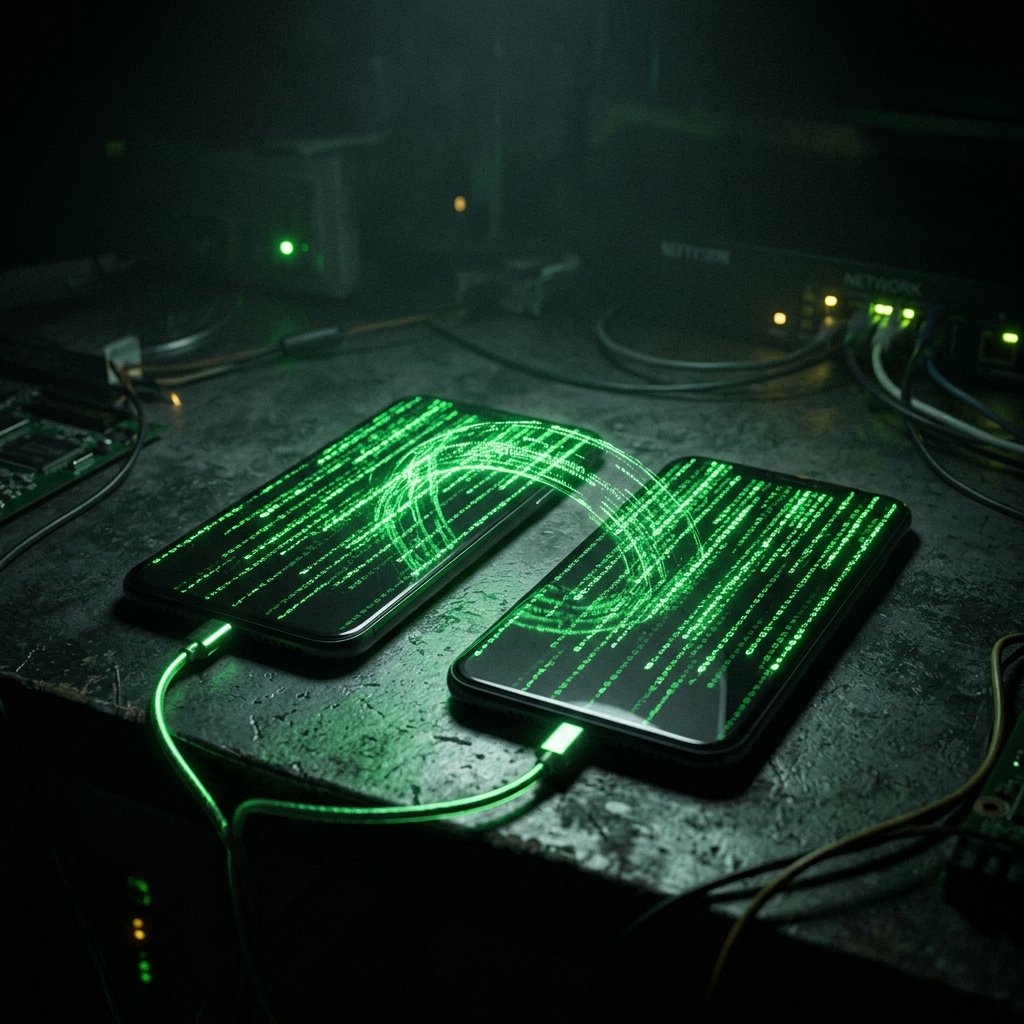
Phone Cloning & SIM Swapping — What It Means & What You Can Do
You look at your phone. You have full signal bars, but when you try to make a call, it fails. You try to send a text, and it doesn't go through. Then, you get an email from your bank asking to verify a large transfer—a transfer you never initiated.
What "Phone Cloning & SIM Swapping" Actually Means
To understand phone cloning, we must differentiate between legacy hardware cloning and modern SIM swapping.
In the early days of cellular networks (AMPS/CDMA), attackers used hardware scanners to intercept the Electronic Serial Number (ESN) and Mobile Identification Number (MIN) over the air. They would program these numbers into a second 'clone' phone, allowing both devices to operate simultaneously on the same account.
Modern GSM, 4G, and 5G networks utilize SIM (Subscriber Identity Module) cards secured with complex cryptographic keys that are virtually impossible to clone over the air. Therefore, attackers shifted tactics to 'SIM Swapping'.
A SIM Swap is a social engineering attack. The attacker gathers open-source intelligence (OSINT) about you—your name, address, date of birth, and perhaps the last four digits of your social security number. They call your cellular provider's customer service, impersonate you, claim the phone was lost, and request that your phone number be activated on a new SIM card in their possession. Once the carrier complies, your phone loses connection, and the attacker's phone instantly receives all traffic destined for your number.
- Legacy Cloning (Obsolete): Intercepting ESN/MIN to create duplicate hardware.
- SIM Swapping (Modern): Socially engineering the carrier to transfer the number to an attacker's SIM.
- Insider Threats: Bribed carrier employees performing unauthorized SIM transfers.
- eSIM Hijacking: Tricking the carrier into provisioning a digital eSIM profile to a malicious device.
Common Causes Behind This Symptom
A sudden loss of cellular service is the primary indicator, but it must be distinguished from a routine carrier outage.
If you lose service in an area where you typically have a strong signal, and restarting the phone does not fix it, you must immediately suspect a SIM swap. This is especially true if you begin receiving emails regarding password resets or account logins that you did not request.
A less common, but still viable, attack involves the abuse of call forwarding. An attacker with brief physical access to your unlocked phone (or via a malicious app) can dial specific carrier MMI codes (like *21*TargetNumber#) to forward all your incoming calls and texts to their device. In this scenario, your phone still has service, but you never receive incoming communication.
Finally, the compromise of an online cellular account portal can lead to cloning. If an attacker guesses your carrier login (e.g., your T-Mobile or Verizon account online), they can often initiate an eSIM transfer directly from the dashboard, bypassing the need to speak to a customer service representative.
- Social Engineering: Attackers impersonating you to carrier support.
- Insider Threat: Corrupt telecom employees performing the swap for profit.
- Call Forwarding Abuse: Using MMI codes to redirect incoming traffic.
- Portal Compromise: Attackers logging into your online carrier account to provision a new eSIM.

How We Investigate This
Investigating a cloned phone or SIM swap is a race against time, as the attacker is actively using your identity to breach your financial and email accounts.
The immediate diagnostic step is to check the device's network state. Does the phone display 'No Service', 'Emergency Calls Only', or 'SIM Not Provisioned'? If so, and the bill is paid, a SIM swap is highly probable.
We cannot perform forensics on the attacker's phone, so we must analyze the attack path. We instruct the client to immediately contact their carrier's fraud department from a different phone to confirm if a SIM change occurred and to freeze the account.
Simultaneously, we conduct an audit of the client's core digital identity. We review the login logs of their primary email and bank accounts, looking for password reset requests or unauthorized access that utilized SMS-based Two-Factor Authentication (2FA) during the window the phone was offline.
Prevention & Hardening
To prevent SIM swapping, you must secure your carrier account. Contact your cellular provider and mandate that a 'Port Freeze' or 'Number Lock' be placed on your account. Additionally, require a unique, high-security PIN or passphrase that must be provided before any changes can be made to the account or SIM.
Migrate away from SMS-based Two-Factor Authentication (2FA). Because SMS is vulnerable to SIM swapping, you should use authenticator apps (like Google Authenticator, Authy, or Duo) or hardware security keys (like a YubiKey) for your email, banking, and crypto accounts.
Be extremely cautious about sharing personally identifiable information (PII) online. The answers to common security questions (mother's maiden name, high school mascot) are often easily found on social media and are exactly what attackers use to socially engineer the carrier.
Frequently Asked Questions
Related Recovery Services
$ Open a secure channel. PGP preferred. Pre-engagement NDA available on request. Ready to proceed?
[ INITIATE SECURE CONTACT ]