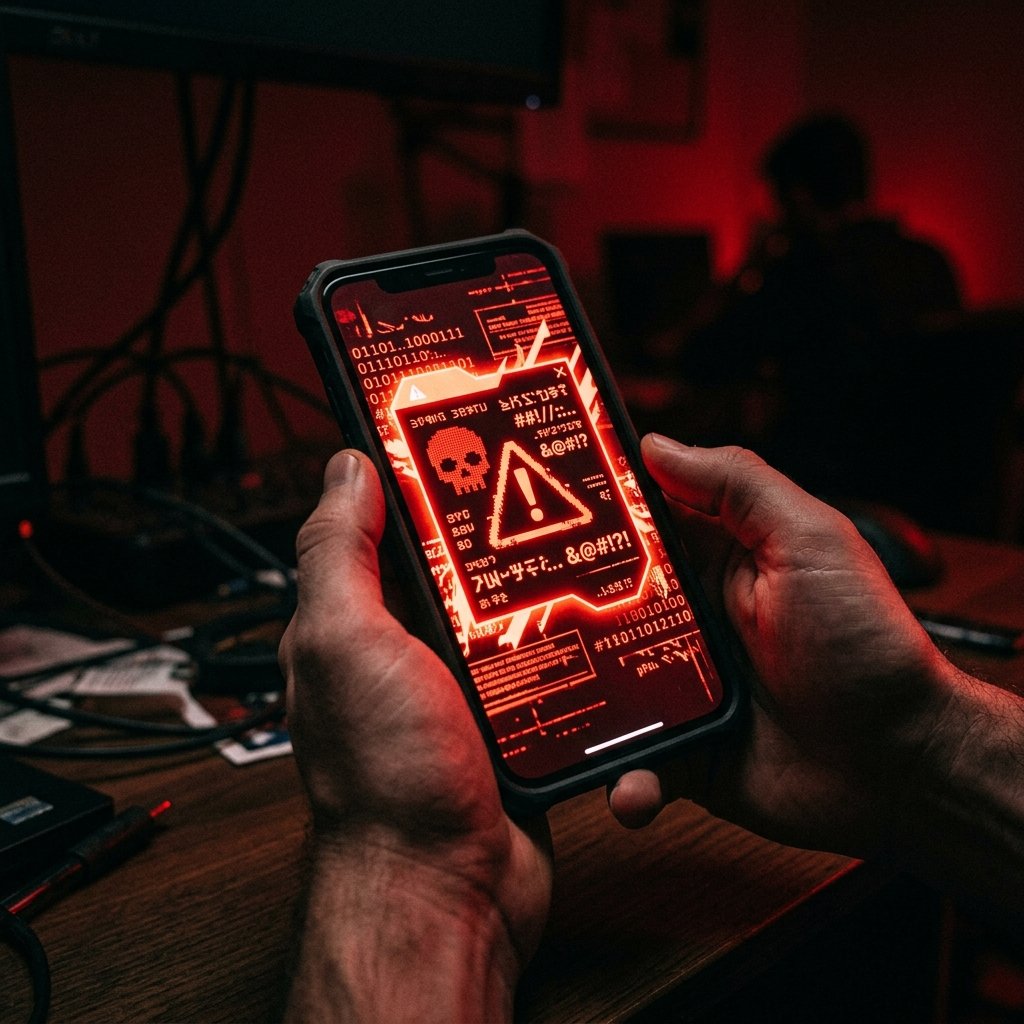
Weird Flash Messages (Class 0 SMS) — What It Means & What You Can Do
You are browsing a website or watching a video, and suddenly, a grey box dominates your screen. It contains a strange message, perhaps a verification code you didn't request or an urgent warning. It doesn't look like a normal text, and there is no 'reply' button—only 'Dismiss' or 'Save'.
What "Weird Flash Messages (Class 0 SMS)" Actually Means
To understand the threat of Flash Messages, we must look at the cellular signaling protocols.
The SMS protocol defines several 'classes' of messages. A standard text message is Class 1, meaning it is stored in the device's memory or SIM card by default. A Class 0 message (Flash SMS) is instructed by the network to be displayed immediately on the screen and, crucially, not to be saved to memory unless the user explicitly chooses to do so.
Because Flash Messages are handled at a low level by the device's baseband processor and operating system, they bypass many of the spam filters and silent-notification settings applied to standard messaging apps (like iMessage or Google Messages).
Attackers send Flash Messages by utilizing specialized SMS gateways or compromised carrier infrastructure. By manipulating the SMS header, they can spoof the sender ID, making the terrifying full-screen pop-up appear as though it is coming from 'System', 'Apple', 'Google', or a legitimate financial institution.
- Class 0 SMS Protocol: Network-level instructions forcing immediate, unsaved display.
- Filter Bypass: Evading standard application-level spam filters and notification silos.
- Sender ID Spoofing: Manipulating headers to impersonate trusted entities.
- Baseband Processing: Messages handled at the hardware/OS level before reaching the user app.
Common Causes Behind This Symptom
When a Flash Message appears, it is crucial to determine if it is a legitimate network alert, a poorly configured marketing campaign, or a targeted attack.
The most common malicious use of Flash SMS is phishing. Because the message takes over the screen and looks like an official system alert, users are more likely to panic and tap the embedded link. These links often lead to highly convincing fake login pages designed to steal Apple ID or Google credentials.
Another malicious use is reconnaissance. Attackers will send a silent Flash Message (or one with a single character) to a block of phone numbers. If the device is active and receives the message, it sends a delivery receipt back to the attacker, confirming the number is valid and active for future, more targeted attacks.
In some non-malicious scenarios, certain cellular carriers or prepaid networks still use Flash Messages to notify users of their remaining balance after a phone call. However, this practice is becoming increasingly rare in modern smartphone ecosystems.
- Phishing and Social Engineering: Tricking users into clicking malicious links in a high-stress pop-up.
- Reconnaissance: Validating active phone numbers for future targeted attacks.
- Carrier Notifications: Legitimate (though outdated) balance or network alerts.
- Harassment: Flooding a device with full-screen pop-ups to disrupt usability.

How We Investigate This
Investigating Flash Messages is challenging because, by design, they do not leave a persistent trace in the user's inbox once dismissed.
If a user reports receiving Flash Messages, we first attempt to capture the event. We instruct the user to take a screenshot the next time the message appears, taking care not to accidentally tap 'Dismiss' or any embedded links during the screenshot process.
Once we have the screenshot, we analyze the content, the sender ID, and any URLs provided. We utilize OSINT tools to trace the URL infrastructure and identify the phishing campaign or threat actor behind the gateway.
We also extract the device's deep system logs (such as the telephony or baseband logs). Even though the message wasn't saved to the SMS inbox, the modem still recorded the receipt of the Class 0 packet. By analyzing these logs, we can identify the specific SMSC (Short Message Service Center) the message originated from, providing actionable intelligence regarding the attacker's routing methods.
Prevention & Hardening
There is no native setting in iOS or Android to completely disable the receipt of Class 0 Flash Messages, as they are part of the core cellular standard. Therefore, prevention relies entirely on user awareness and response.
If you receive an unexpected Flash Message containing a link or a warning, NEVER tap the link or attempt to interact with the message content. Simply tap 'Dismiss' or 'Cancel'.
If the message claims to be from your bank, Apple, or Google, dismiss the message and independently navigate to that service's official website or app to check your account status. Do not trust the phone number or link provided in the pop-up.
If you are receiving a continuous flood of harassing Flash Messages, contact your cellular provider. They may be able to trace the origin at the network switch level and block the specific SMS gateway being abused by the attacker.
Frequently Asked Questions
Related Recovery Services
$ Open a secure channel. PGP preferred. Pre-engagement NDA available on request. Ready to proceed?
[ INITIATE SECURE CONTACT ]