Unexplained Data Usage — What It Means & What You Can Do
You receive a notification from your cellular provider: you have exceeded your monthly data limit. But you've been on Wi-Fi most of the week, and you haven't been streaming movies or downloading large files while on cellular. Where did all those gigabytes go?
What "Unexplained Data Usage" Actually Means
The technical reality of data exfiltration is that it cannot be entirely hidden. While malware can hide its icon and disguise its processes, it cannot easily bypass the fundamental accounting of network traffic maintained by the operating system and the cellular provider.
When a device is infected with advanced spyware or a Remote Access Trojan (RAT), the malware typically operates in a 'store and forward' manner. It constantly records ambient audio, captures keystrokes, takes screenshots, and archives incoming messages. These files are stored in hidden, encrypted directories on the device.
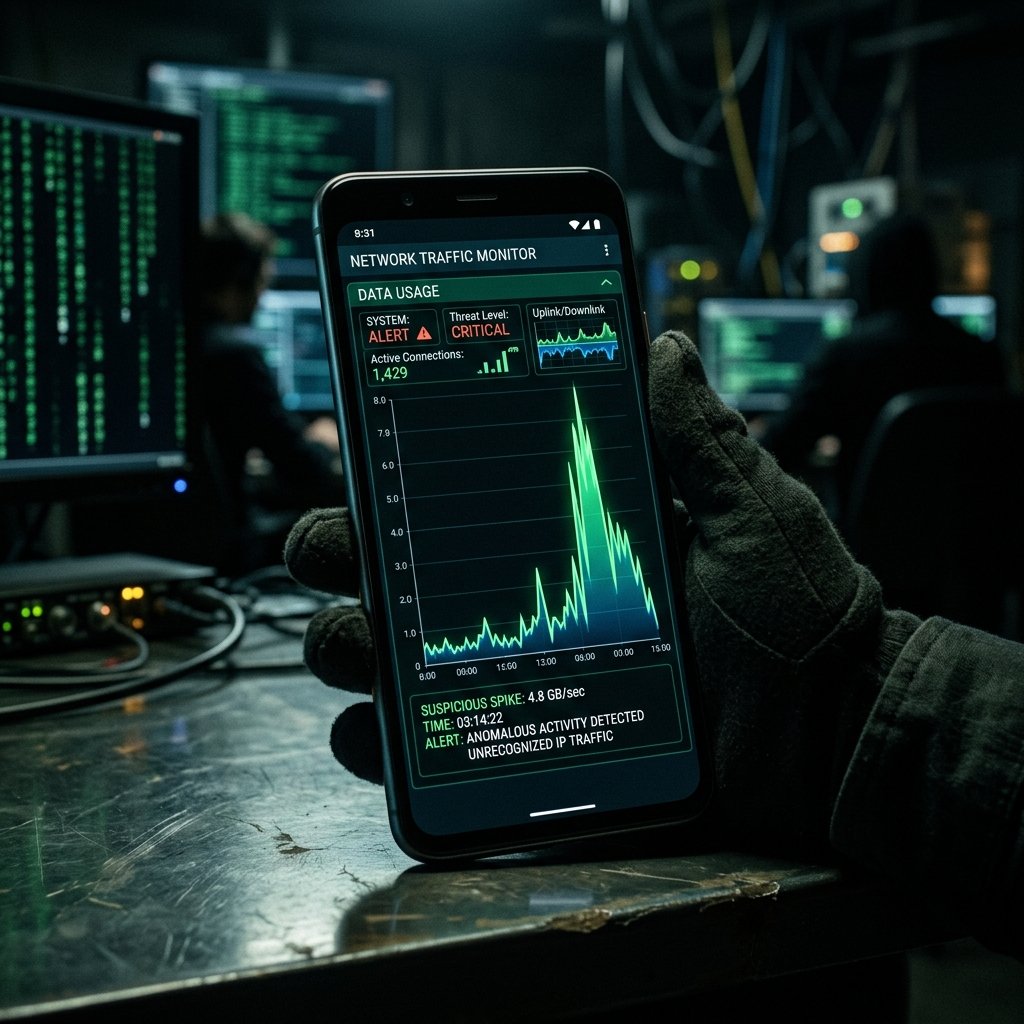
To exfiltrate this treasure trove, the malware must establish a connection to a command-and-control (C2) server. Sophisticated threats will attempt to wait until the device is connected to an unmetered Wi-Fi network to avoid detection. However, commercial stalkerware and less refined malware often lack these sophisticated rules. They will aggressively transmit the stolen data over the cellular network as soon as it is captured, resulting in massive, unexpected spikes in mobile data consumption.
Furthermore, if the attacker is utilizing 'live listening' or 'screen mirroring' capabilities, the device is essentially broadcasting a continuous, high-bandwidth stream over the cellular network, rapidly chewing through data caps.
- Aggressive Exfiltration: Poorly coded stalkerware transmitting large files over cellular networks.
- Live Surveillance Streams: High-bandwidth transmission of real-time audio or screen mirroring.
- Command and Control (C2) Polling: Constant background communication to check for attacker commands.
- Store and Forward Failures: Malware failing to wait for Wi-Fi and dumping payloads on cellular data.
Common Causes Behind This Symptom
Investigating a data spike requires differentiating between aggressive background syncing by legitimate apps and covert exfiltration by malicious actors.
A common non-malicious cause is a misconfigured cloud backup service (like iCloud Photos or Google Photos) that has been set to sync over cellular data. A large video recording can easily consume gigabytes of data in minutes.
However, in a compromised scenario, the culprit is often media-heavy stalkerware. If an abusive partner installs a surveillance app configured to upload every photo taken, every WhatsApp voice note received, and continuous ambient audio recordings, the resulting data footprint will be massive and anomalous.
Another malicious cause is an infected device being conscripted into a botnet. The malware may use the compromised phone as a proxy node to route malicious traffic, conduct DDoS attacks, or distribute spam, utilizing the victim's cellular data plan to mask the attacker's true origin.
- Media-heavy stalkerware uploading photos, videos, and audio recordings.
- Compromised devices conscripted into mobile botnets routing illicit traffic.
- Live-streaming surveillance modules (microphone or camera) transmitting continuously.
- Benign but aggressive cloud backup services syncing over cellular networks.

How We Investigate This
Our forensic investigation of anomalous data usage focuses on identifying the specific endpoint the device is communicating with and the application driving that traffic.
We begin by extracting the device's historical network usage statistics. Modern operating systems maintain databases (like the DataUsage database on Android or the NetworkUsage logs on iOS) that record exactly how many bytes each application has transmitted and received. Malware often attempts to mask this by injecting its code into a legitimate process (like the browser or system services), making it appear as though a normal app is using the data.
To counter this evasion, we perform a dynamic network capture. We place the device in a controlled forensic environment, route its traffic through a specialized proxy, and perform deep packet inspection (DPI). We look for connections to known malicious IP addresses, unusual ports, and the distinct cryptographic handshakes associated with malware command-and-control servers.
Finally, we analyze the structure of the traffic. Even if the data is encrypted, the timing, frequency, and size of the packets (traffic analysis) can reveal what the malware is doing—differentiating between a steady stream of live audio and the burst transmission of a stolen database.
Prevention & Hardening
Regularly monitor your cellular data usage through your carrier's app or website. Being familiar with your baseline usage allows you to immediately spot anomalous spikes that could indicate a compromise.
Review the cellular data permissions on your device. Disable cellular data access for any application that does not strictly require an internet connection to function while you are away from Wi-Fi.
If you notice a massive, unexplained data spike, immediately turn off cellular data or place the phone in airplane mode to halt the exfiltration of your personal information. Contact a forensic professional to conduct a network analysis before the malware can cover its tracks.
Frequently Asked Questions
Related Recovery Services
$ Open a secure channel. PGP preferred. Pre-engagement NDA available on request. Ready to proceed?
[ INITIATE SECURE CONTACT ]