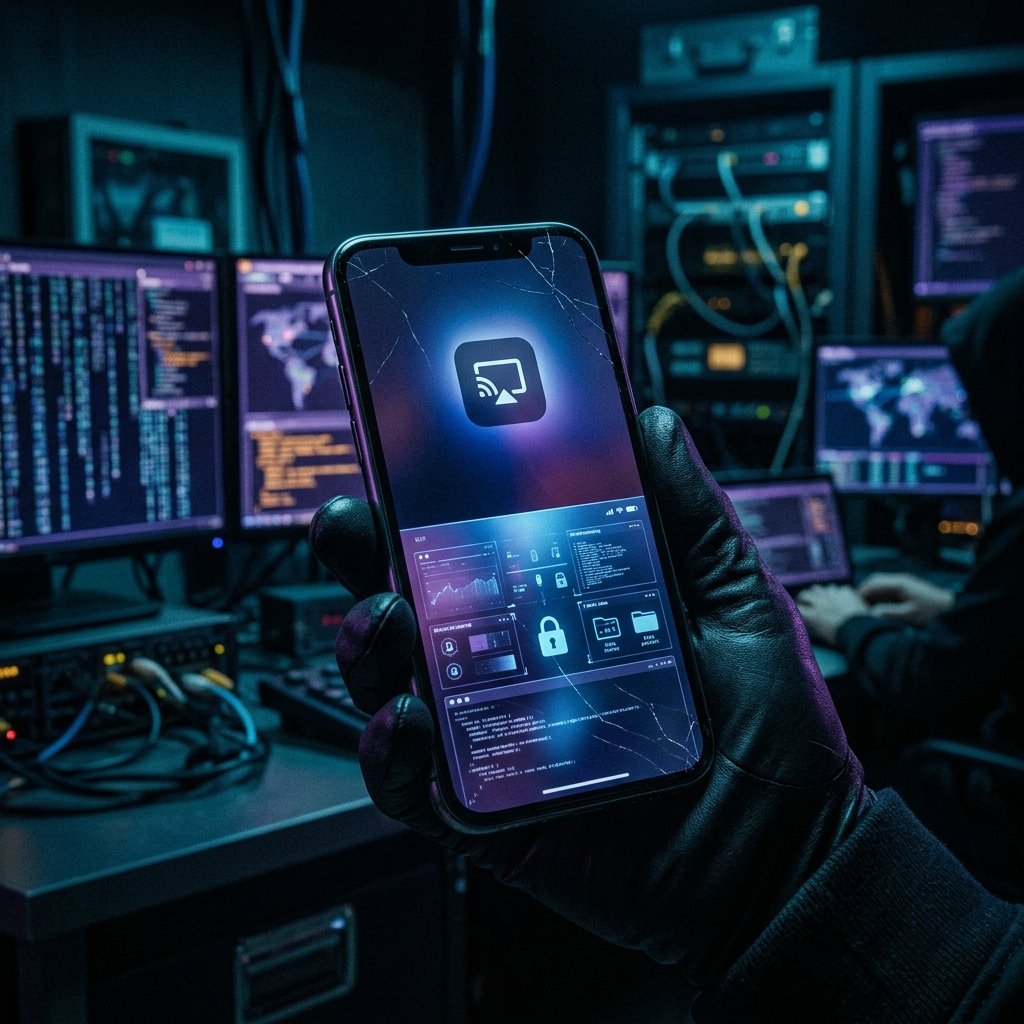
Screen Mirroring Suspicions — What It Means & What You Can Do
You're typing a sensitive message, and you get the chilling feeling that someone is reading over your shoulder—except you are completely alone in the room.
What "Screen Mirroring Suspicions" Actually Means
To understand how a phone screen can be covertly mirrored, we must look at the abuse of built-in display APIs.
On Android, the primary attack vector involves the 'MediaProjection' API. Historically, when an app requested to record or cast the screen, the OS would display a prominent, un-dismissible warning. However, malicious apps often use 'Clickjacking' or abuse 'Accessibility Services' to automatically tap the 'Allow' button before the user even realizes the prompt appeared. Once granted, the malware silently captures the frame buffer and streams it to the attacker.
On iOS, screen mirroring is traditionally restricted to AirPlay or direct hardware connections. However, if a device is enrolled in a rogue Mobile Device Management (MDM) profile, or if it is covertly jailbroken, an attacker can install a hidden VNC (Virtual Network Computing) server. This server runs quietly in the background, converting the device's display output into a remote video feed without triggering the standard blue 'Screen Recording' indicator at the top of the iPhone screen.
The most sophisticated threats (like targeted APT spyware) bypass these high-level APIs entirely. They inject code directly into the rendering engine (like SurfaceFlinger on Android), extracting the visual data before the OS even has a chance to generate a privacy indicator.
- MediaProjection API Abuse: Android malware automatically accepting screen recording prompts.
- Hidden VNC Servers: Covert remote desktop protocols installed via jailbreaks or MDM.
- Clickjacking/Overlay Attacks: Tricking the user into granting screen capture permissions.
- Rendering Engine Injection: Extracting frames directly from the hardware buffer.
Common Causes Behind This Symptom
Differentiating between legitimate casting and malicious mirroring requires identifying the intent and visibility of the connection.
A common, non-malicious scenario occurs when a user forgets they left their phone connected to an Apple TV, Chromecast, or a Bluetooth infotainment system in their car. If the screen is unlocked, the display may continue to broadcast to the paired device.
In domestic abuse situations, the cause is typically commercial stalkerware. The abuser installs an application that includes a 'Live Screen' feature. When the abuser logs into their dashboard from a computer, the stalkerware silently initiates a MediaProjection session on the victim's phone, sending a live feed over the cellular or Wi-Fi network.
In corporate espionage or targeted attacks, an employee might be tricked into installing a trojanized version of a legitimate meeting app (like a fake Zoom or Teams update) that establishes a persistent, hidden screen-sharing connection back to the attacker's server.
- Accidental, persistent connections to legitimate casting devices (Chromecast, Apple TV).
- Commercial stalkerware utilizing the 'Live Screen' dashboard feature.
- Trojanized meeting or presentation applications.
- Hidden VNC servers operating on covertly jailbroken/rooted devices.

How We Investigate This
Investigating suspected screen mirroring involves hunting for the specific background processes that are actively capturing the frame buffer.
We begin by monitoring the device's active network connections. Live screen mirroring requires significant bandwidth. By analyzing the traffic, we can identify steady, high-volume UDP or TCP streams characteristic of video encoding, even if the payload is encrypted.
Next, we query the operating system's window manager and display services. On Android, we use ADB to check `dumpsys media_projection` to see if any hidden application currently holds an active token to capture the screen. On iOS, we analyze the sysdiagnose logs for unauthorized daemons interacting with the `IOMobileFramebuffer`.
Finally, we perform a thorough audit of the installed applications, specifically looking for those that have requested screen recording permissions, accessibility services, or have the capability to draw overlays on top of other apps.
Prevention & Hardening
Be extremely vigilant regarding the permissions you grant. Never allow an unrecognized or untrusted application to record your screen or utilize accessibility services. On Android, if you see an unexpected prompt asking to 'Start recording or casting with [App Name]', immediately tap 'Cancel' and uninstall the app.
Regularly check your device's active casting connections. On iOS, swipe down to the Control Center and check the Screen Mirroring icon. On Android, check the Cast tile in your quick settings panel.
If you suspect your screen is currently being mirrored, powering off the display does not always stop the capture (some malware can capture the background buffer). Turn the phone completely off or place it in airplane mode, and seek professional forensic assistance.
Frequently Asked Questions
Related Recovery Services
$ Open a secure channel. PGP preferred. Pre-engagement NDA available on request. Ready to proceed?
[ INITIATE SECURE CONTACT ]