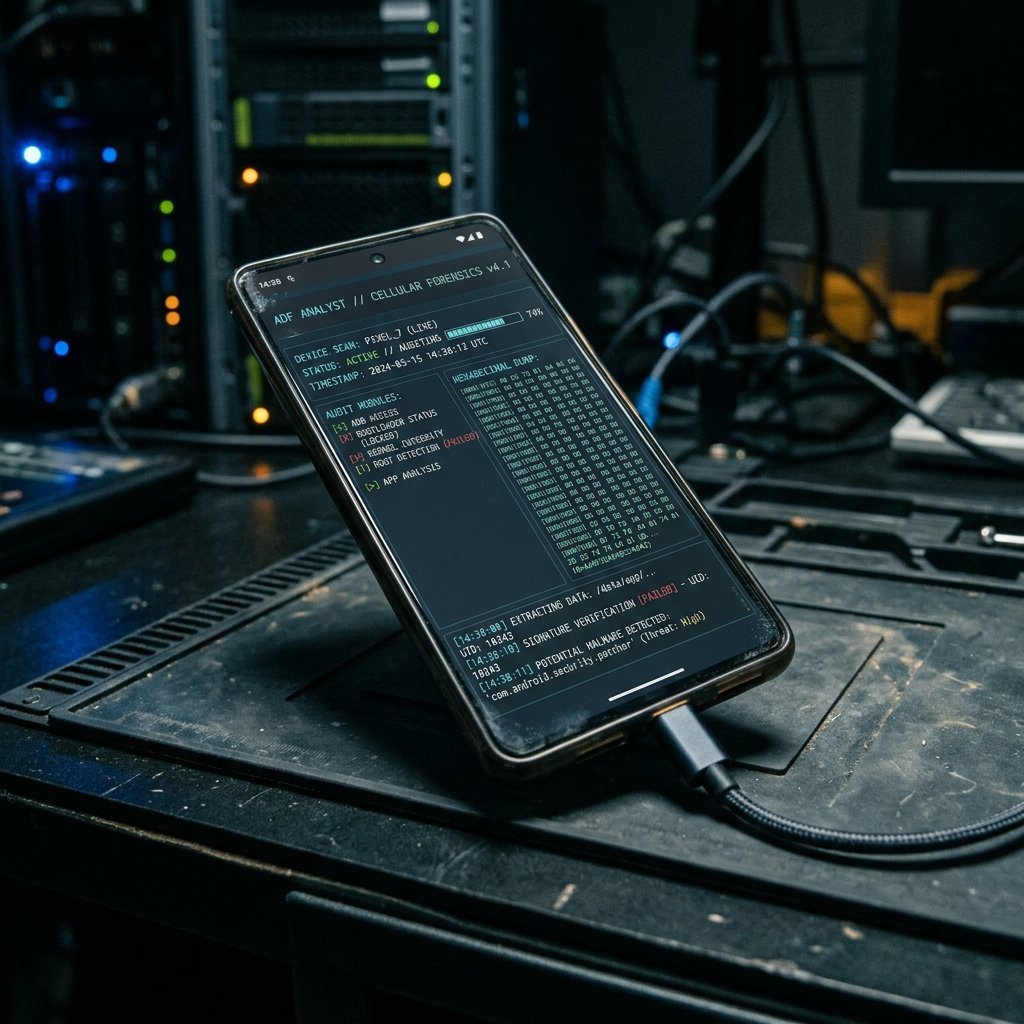
iPhone 13 — Spyware Detection & Forensic Analysis
The iPhone 13 series, featuring the A15 Bionic chip, remains one of the most widely circulated and actively targeted smartphones on the market.
iPhone 13: What Makes It a Target
The iPhone 13 series, featuring the A15 Bionic chip, remains one of the most widely circulated and actively targeted smartphones on the market.
Because it has been in the wild for several years, a significant number of these devices are running older, vulnerable versions of iOS. This creates a highly dynamic forensic environment.
When an iPhone 13 is involved in an investigation, our strategy depends entirely on its update history. A fully updated iPhone 13 is a digital fortress; an outdated one is a treasure trove of recoverable data.
iPhone 13 Security Architecture
The iPhone 13 utilizes the standard, robust Apple security framework: Secure Enclave, APFS encryption, and application sandboxing.
A critical feature of this era of iOS is the evolution of the `KnowledgeC` database. This deeply hidden system database acts as the central nervous system for iOS, logging an immense amount of user interaction data to power features like Siri Suggestions and battery optimization.
The `KnowledgeC` database records exactly when apps are opened, how long they are used, device orientation, and even web browsing history. Because it is a system-level database, it is highly protected, but if accessed forensically, it provides an unparalleled timeline of user activity.
Furthermore, the iPhone 13 relies heavily on the iOS Keychain to store authentication tokens. If an attacker can access the Keychain, they can hijack active sessions for apps like WhatsApp, Telegram, and banking applications without needing the user's password.
- KnowledgeC Database: Extensive, granular logging of user interaction and application usage.
- iOS Keychain: Centralized, encrypted storage for authentication tokens and application passwords.
- A15 Bionic: Robust hardware-level encryption and biometric processing.
- System Logs (sysdiagnose): Highly detailed crash logs and network routing tables used for triage.

Forensic Analysis Capabilities for iPhone 13
Forensic capabilities for the iPhone 13 range from standard logical extractions to highly complex kernel exploitation.
Logical Acquisition: Using standard forensic tools (Cellebrite, Magnet), we can pull the active user data if the passcode is known. This is sufficient for recovering active texts, call logs, and standard app data.
Exploiting Older iOS: Because the iPhone 13 has been out for years, many users fail to update their devices. If the device is running iOS 15.0 - 15.4.1 (TrollStore/CoreTrust vulnerabilities) or iOS 16.0 - 16.5 (MacDirtyCow/KFD), forensic examiners can utilize these exploits to achieve highly privileged access.
This privileged access allows us to bypass the sandbox and extract the `KnowledgeC` database, the raw `sms.db` (for carving deleted messages), and the full application containers for hidden vault apps or secure messengers.
Common Threats Targeting This Device
The iPhone 13 faces a wide array of threats, particularly if it is not running the latest iOS release.
Webkit Exploits: The Safari browser engine (WebKit) is the most frequent target for exploitation. Threat actors deploy malicious websites that, when visited, trigger a chain of exploits to silently escape the browser sandbox and install spyware.
Stalkerware & Configuration Profiles: The most common threat remains physical access. An abuser will install a malicious MDM (Mobile Device Management) profile. This profile forces the iPhone 13 to route all its internet traffic through a proxy server controlled by the abuser, allowing them to intercept unencrypted communications and track location.
Credential Harvesting: Phishing attacks targeting the Apple ID are rampant. Attackers send fake 'Find My iPhone' alerts to trick the user into revealing their credentials, granting the attacker access to iCloud backups.
Our Assessment Approach
Our investigation of an iPhone 13 is highly methodical, prioritizing the preservation of volatile data.
We begin with a thorough audit of the device settings. We check the 'VPN & Device Management' menu for malicious profiles, audit the 'Privacy & Security' settings for unauthorized microphone/camera access, and review the battery usage logs for hidden applications.
We perform a logical extraction and parse the `sysdiagnose` logs. We use custom Python scripts (like `iLEAPP`) to parse the extracted artifacts, focusing heavily on identifying anomalous process executions that indicate a spyware infection.
Frequently Asked Questions
Related Recovery Services
$ Open a secure channel. PGP preferred. Pre-engagement NDA available on request. Ready to proceed?
[ INITIATE SECURE CONTACT ]