Malware Removal Service
Emergency Malware Removal for Infected PCs, Servers & Business Systems
Our malware removal specialists help individuals and businesses eliminate ransomware, spyware, trojans, rootkits, browser hijackers, remote access malware, and advanced persistent threats from compromised devices and networks.
We provide emergency remote malware removal, system recovery, security hardening, and incident response support for hacked or infected systems throughout the United States.
Trusted Malware Removal Experts
When systems become compromised, speed and accuracy matter. Delayed response can increase the severity of the infection and allow attackers to escalate access, exfiltrate sensitive information, or deploy additional malicious payloads.
Our malware removal process is designed for rapid containment, professional remediation, and long-term system protection. We assist both individual users and organizations dealing with malware incidents ranging from basic infections to highly persistent compromise scenarios.
Why Clients Choose Us
- Emergency response availability
- Remote nationwide support
- Business and enterprise capable
- Confidential remediation process
- Advanced threat removal procedures
- Post-removal system hardening
- Detailed malware analysis
- Multi-stage remediation protocols
Signs Your Computer May Be Infected
Many malware infections begin quietly. Threat actors often attempt to remain undetected while harvesting credentials, monitoring activity, encrypting files, or maintaining remote access to compromised systems.
Recognizing the warning signs early can help reduce financial loss, operational downtime, identity theft, and data exposure.
Unusual System Slowdowns
Malware frequently consumes system resources in the background, causing computers to become extremely slow, unresponsive, or unstable.
Unauthorized Popups & Redirects
Frequent advertisements, browser redirects, fake warnings, or malicious popups can indicate spyware or adware infections.
Antivirus Software Disabled
Many advanced malware strains attempt to disable antivirus software, Windows Defender, firewalls, and endpoint protection tools.
Suspicious Login Activity
Unexpected password reset emails, unauthorized account access, or unknown login attempts may indicate credential theft malware or keyloggers.
Unknown Programs or Processes
Applications appearing without installation, unexplained background services, or unfamiliar startup processes can signal active compromise.
Locked or Encrypted Files
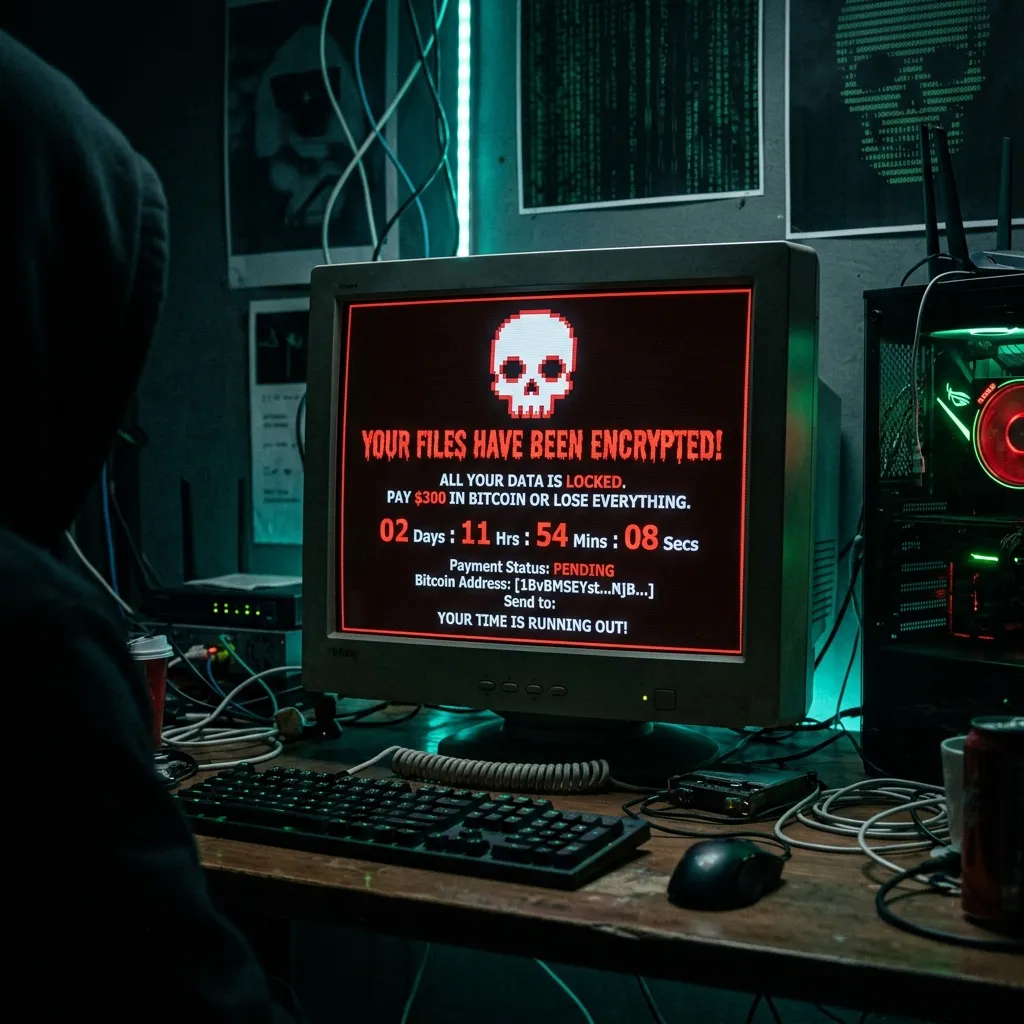
Ransomware often encrypts important files and displays payment demands in exchange for decryption keys.
Browser Hijacking
Modified search engines, unauthorized browser extensions, altered homepage settings, and redirect behavior may indicate browser hijacker infections.
Remote Access Indicators
Unexpected mouse movement, disabled security settings, unknown remote sessions, or webcam activation can suggest remote access trojan activity.
Frequent System Crashes
Malware may interfere with operating system stability, causing repeated crashes, blue screens, or boot failures.
Unusual Network Activity
Unexpected outbound traffic, abnormal bandwidth usage, or suspicious communications with unknown IP addresses can indicate active malware communication.
Types of Malware We Remove
Our remediation procedures are designed to identify, isolate, and remove malicious software while restoring system functionality and reducing the risk of reinfection. We provide malware removal services for personal computers, business workstations, corporate endpoints, servers, small business networks, remote employee devices, cloud-connected systems, and hybrid environments.
Ransomware
Ransomware attacks can rapidly disrupt personal and business operations by encrypting files, disabling systems, and threatening data exposure. Our procedures focus on containment, removal, and system stabilization.
Spyware & Keyloggers
Spyware silently monitors activity, capturing passwords, banking credentials, business communications, and tokens. We identify and remove components while helping secure compromised accounts.
Trojans
Disguised as legitimate software, trojans open backdoors, download additional malware, and steal credentials. We perform deep system analysis to fully eliminate trojan-based infections.
Rootkits
Advanced threats designed to hide malicious activity deep within OS layers. We perform advanced diagnostics to detect hidden components and remove rootkit persistence mechanisms.
Browser Hijackers
Manipulates browser settings, redirects traffic, and tracks behavior. We remove malicious extensions, injected scripts, and related persistence mechanisms.
Remote Access (RAT)
Allows attackers to control systems remotely, access webcams, and move laterally. Immediate malware removal is critical in suspected RAT compromise scenarios.
Our Malware Removal Process
Our remediation methodology follows a structured incident response workflow designed to maximize containment, visibility, and system recovery.
Step 1, Threat Assessment
We identify infection indicators, anomalies, and symptoms (malware scanning, endpoint diagnostics, process analysis, network inspection).
Step 2, Threat Containment
Systems are isolated to reduce spread (disabling remote channels, blocking connections, terminating processes, isolating endpoints).
Step 3, Malware Removal
We remove active malicious components (executables, scripts, backdoors, registry persistence, scheduled tasks, browser injections).
Step 4, System Recovery
We restore system functionality (OS repair, security tool recovery, configuration repair, file integrity review).
Step 5, Security Hardening
We implement measures to reduce reinfection risk (updates, password guidance, MFA recommendations, endpoint protection review).
Business & Remote Response
Malware infections can severely impact business operations, customer trust, and internal infrastructure. We support small businesses, professional service firms, remote workforces, and distributed endpoint environments. We prioritize rapid response and containment.
Many malware infections can be professionally remediated through secure Remote Malware Removal Support. This allows us to diagnose quickly, begin remediation immediately, reduce downtime, and provide rapid emergency response nationwide while maintaining confidentiality.
Why Professional Removal Matters
Modern advanced threats include persistence mechanisms, credential theft tools, remote access, security bypass techniques, and lateral movement. Professional removal ensures full threat eradication, hidden persistence removal, compromised account mitigation, and system recovery.
Frequently Asked Questions
Malware infections should never be ignored. Delayed response increases the risk of credential theft, financial fraud, data exposure, and permanent file loss.
INITIATE INTAKETarget: Employee Device
Symptoms:
Unauthorized remote access, credential theft indicators, browser compromise.
Response:
Threat containment, malware removal, persistence elimination, account security hardening.
Outcome:
Systems restored, malicious access removed, business operations stabilized.
Start Emergency Malware Removal
Complete the intake form below to open a priority case. An operative will review your submission and initiate contact via your specified secure channel.